
Can’t decide where to go on vacation? Use Skyscanner’s Savvy Search and let AI inspire your next trip.
How to use Skyscanner Savvy Search
Whether you’ve already got somewhere in mind and can’t quite decide, or you’re completely open to new suggestions; the Skyscanner Savvy Search does all the legwork for you. Here’s how it works…
1. Download the Skyscanner app
Skyscanner’s Savvy Search is only available on our app. The Skyscanner app is free to download and you’ll be able to access Savvy Search and lots of other great travel features, like setting up Price Alerts and searching for flights to Explore Everywhere.

2. Search with AI
Just tell Savvy Search what kind of vacation is on your mind, or simply ask for inspiration, and you’ll get curated list of travel recommendations powered by AI from Skyscanner’s travel data.
You might want to search for generic recommendations like ‘a budget European city break in October’ or you can ask for something more specific like ‘a 30th birthday trip with fun nightlife and a great food scene’.
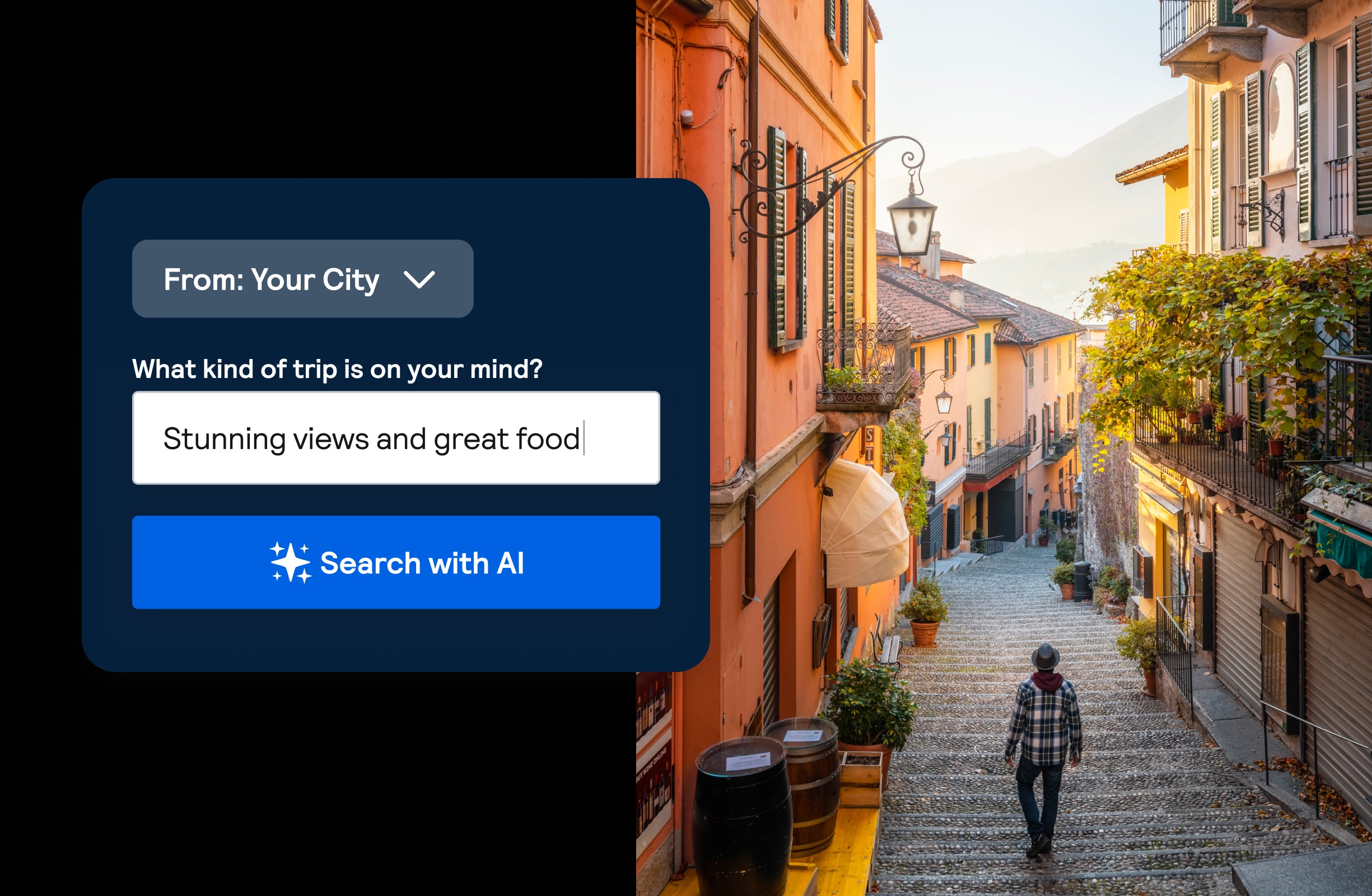
3. Get inspired
Savvy Search is the perfect travel planning tool. Whether you’re up for a crazy outdoor adventure or a relaxing seaside retreat, you can ask Savvy Search for as many recommendations as you like. There’s no cap on your travel wanderlust wishlist.
Think of it like having a friend who’s traveled all over the world. They’re always there, day or night, ready to dish out travel advice. And they’ll never ignore your message!
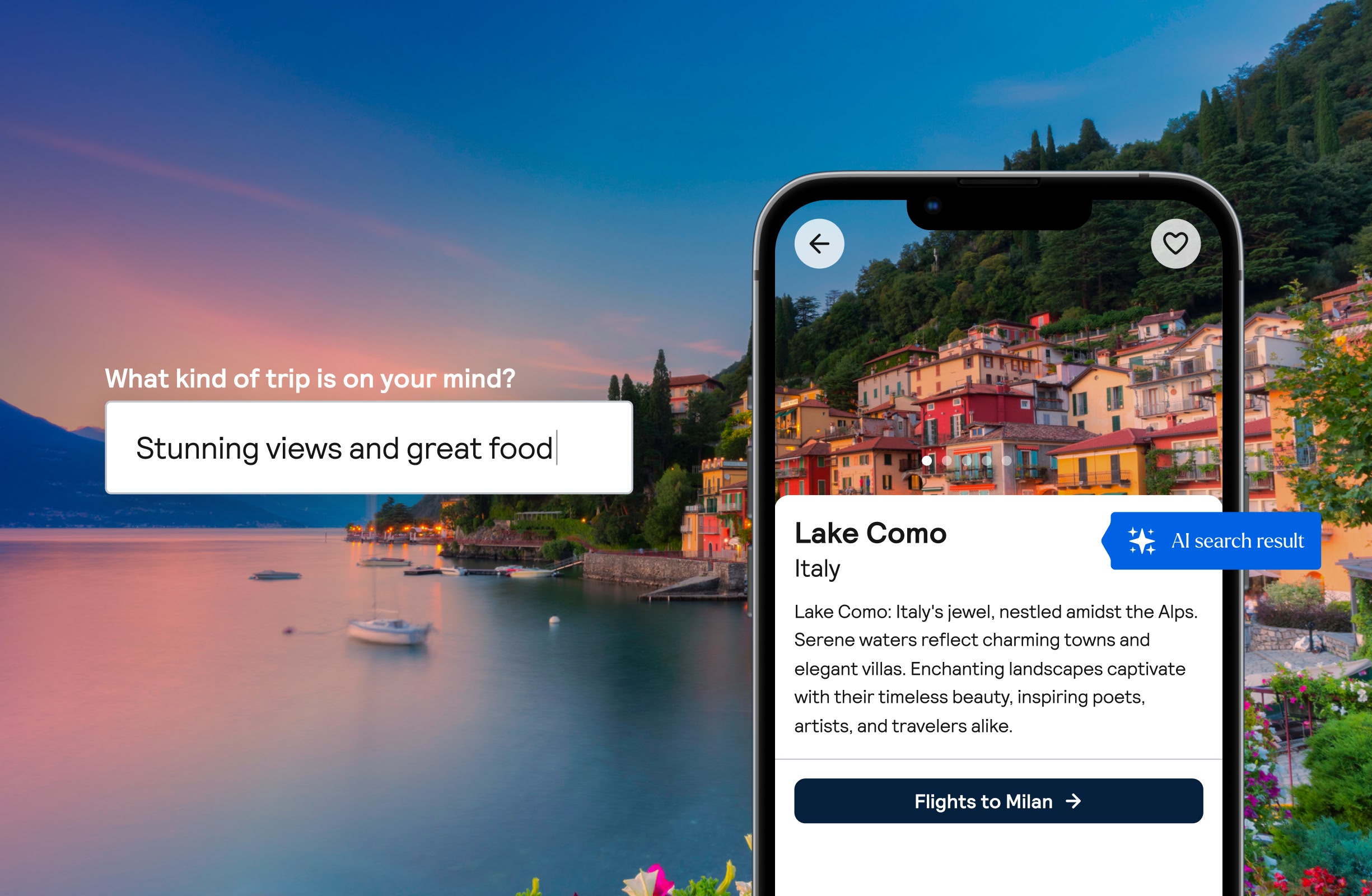
4. Book your trip
For every destination Savvy Search recommends, you’ll see the estimated flight price from Skyscanner. Just select the destination and enter the dates you want to travel to get the exact prices. And because you’re already on the Skyscanner app, it’s easy to book your flights, hotels and car hire for your AI-inspired vacation.
And if you’re not ready to book just yet, hit the heart icon next to your top picks to add them to your Saved list for later.
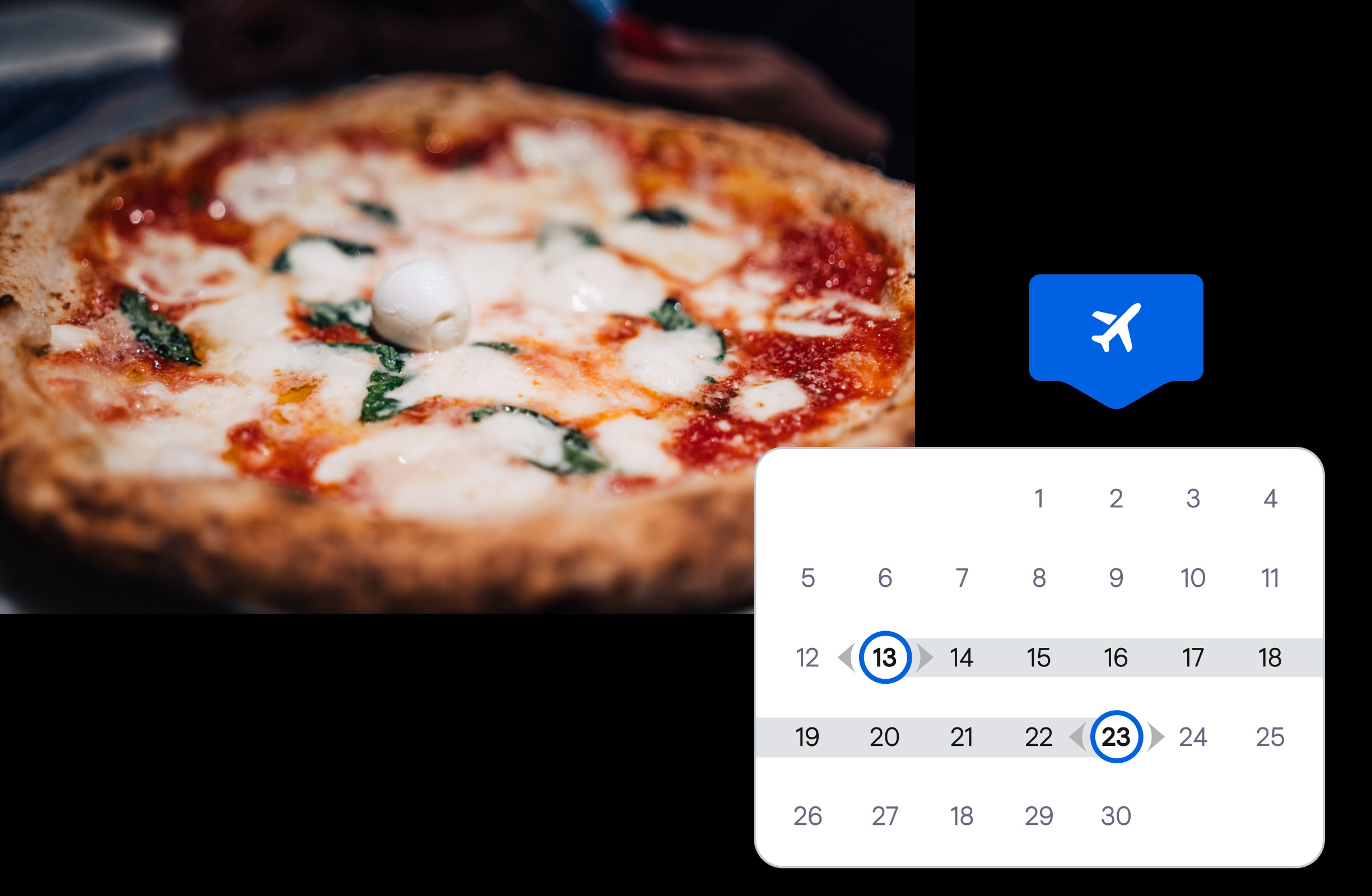
Skyscanner can help you find the best flights, hotels and car rental deal for your next trip.